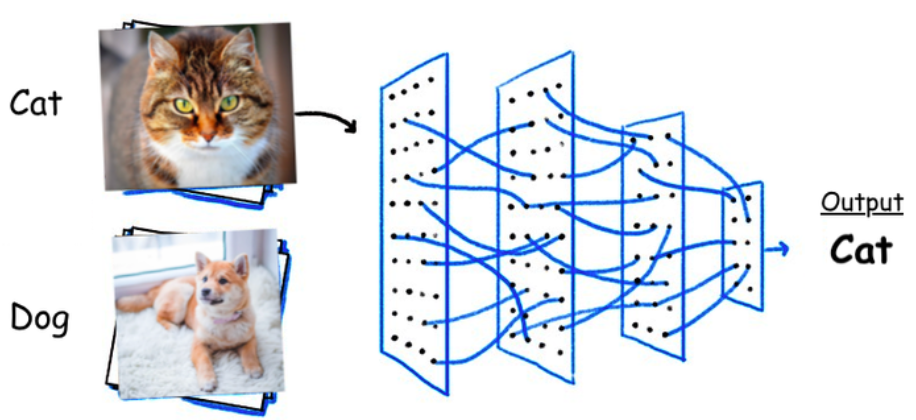
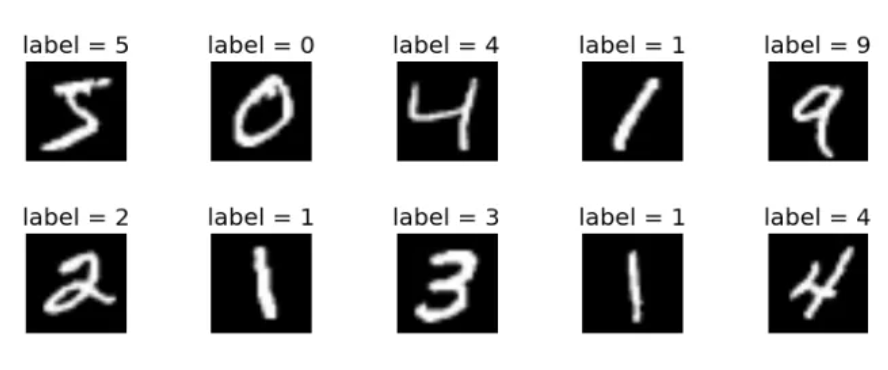
图像分类任务
案例介绍
# create model
feature = resnet50(num_classes=num_classes, include_top=False)
feature.trainable = False
model = tf.keras.Sequential([feature,
tf.keras.layers.GlobalAvgPool2D(),
tf.keras.layers.Dropout(rate=0.5),
tf.keras.layers.Dense(1024, activation="relu"),
tf.keras.layers.Dropout(rate=0.5),
tf.keras.layers.Dense(num_classes),
tf.keras.layers.Softmax()])
# load weights
weights_path = './save_weights/resNet_50.ckpt'
assert len(glob.glob(weights_path+"*")), "cannot find {}".format(weights_path)
model.load_weights(weights_path)
# prediction
result = np.squeeze(model.predict(img))
图像分类任务

案例介绍
# 下面是使用tensorflow实现图像分类的预测代码(部分)
# create model
feature = resnet50(num_classes=num_classes, include_top=False)
feature.trainable = False
model = tf.keras.Sequential([feature,
tf.keras.layers.GlobalAvgPool2D(),
tf.keras.layers.Dropout(rate=0.5),
tf.keras.layers.Dense(1024, activation="relu"),
tf.keras.layers.Dropout(rate=0.5),
tf.keras.layers.Dense(num_classes),
tf.keras.layers.Softmax()])
# load weights
weights_path = './save_weights/resNet_50.ckpt'
assert len(glob.glob(weights_path+"*")), "cannot find {}".format(weights_path)
model.load_weights(weights_path)
# prediction
result = np.squeeze(model.predict(img))
案例图片
相似案例推荐
-
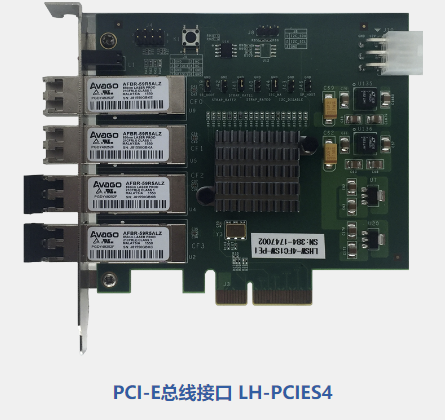
高速AD信号采样处理器PCIE数据采集卡
通信模拟器;高速AD信号采样处理器;PCIE数据采集卡;相控
-
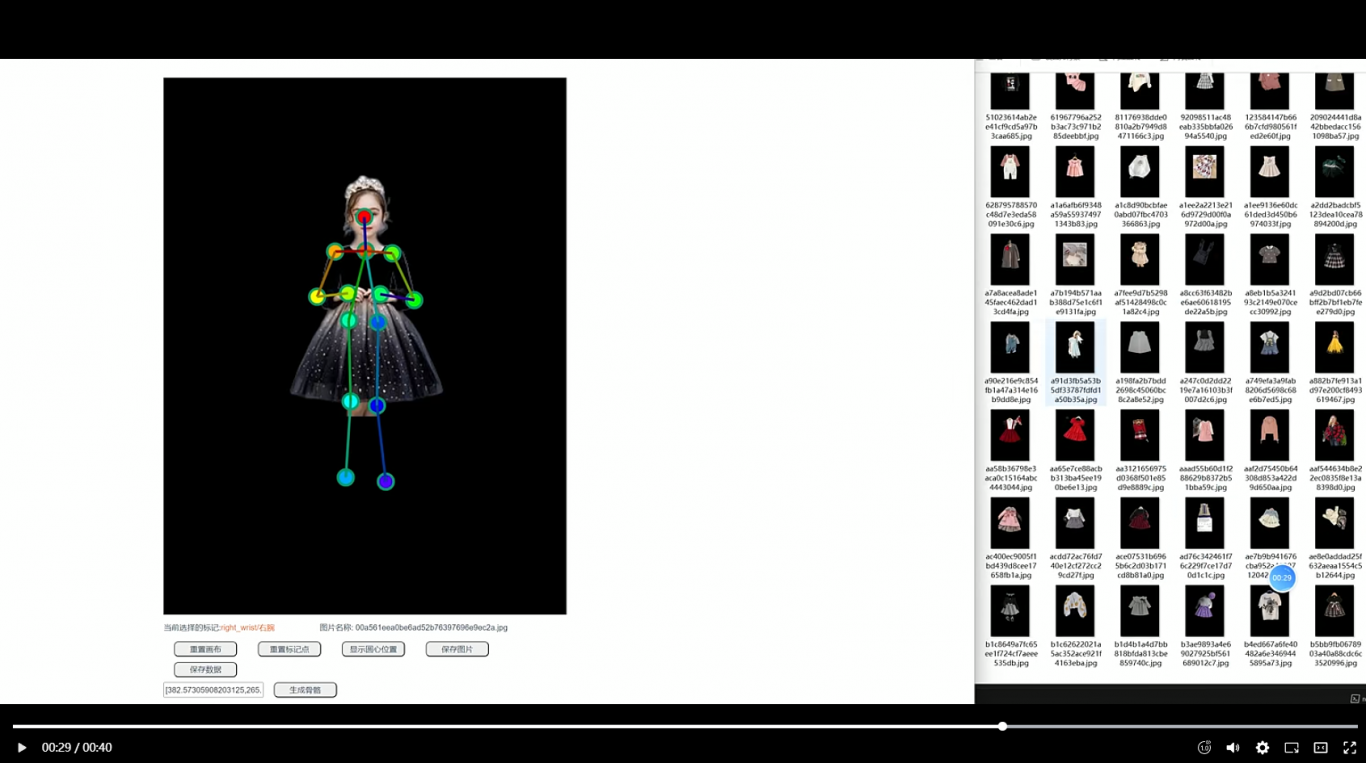
人体穿衣模型
1.个人实现前后端一体AI衣服穿衣姿势,包括AI模型代码实现
-
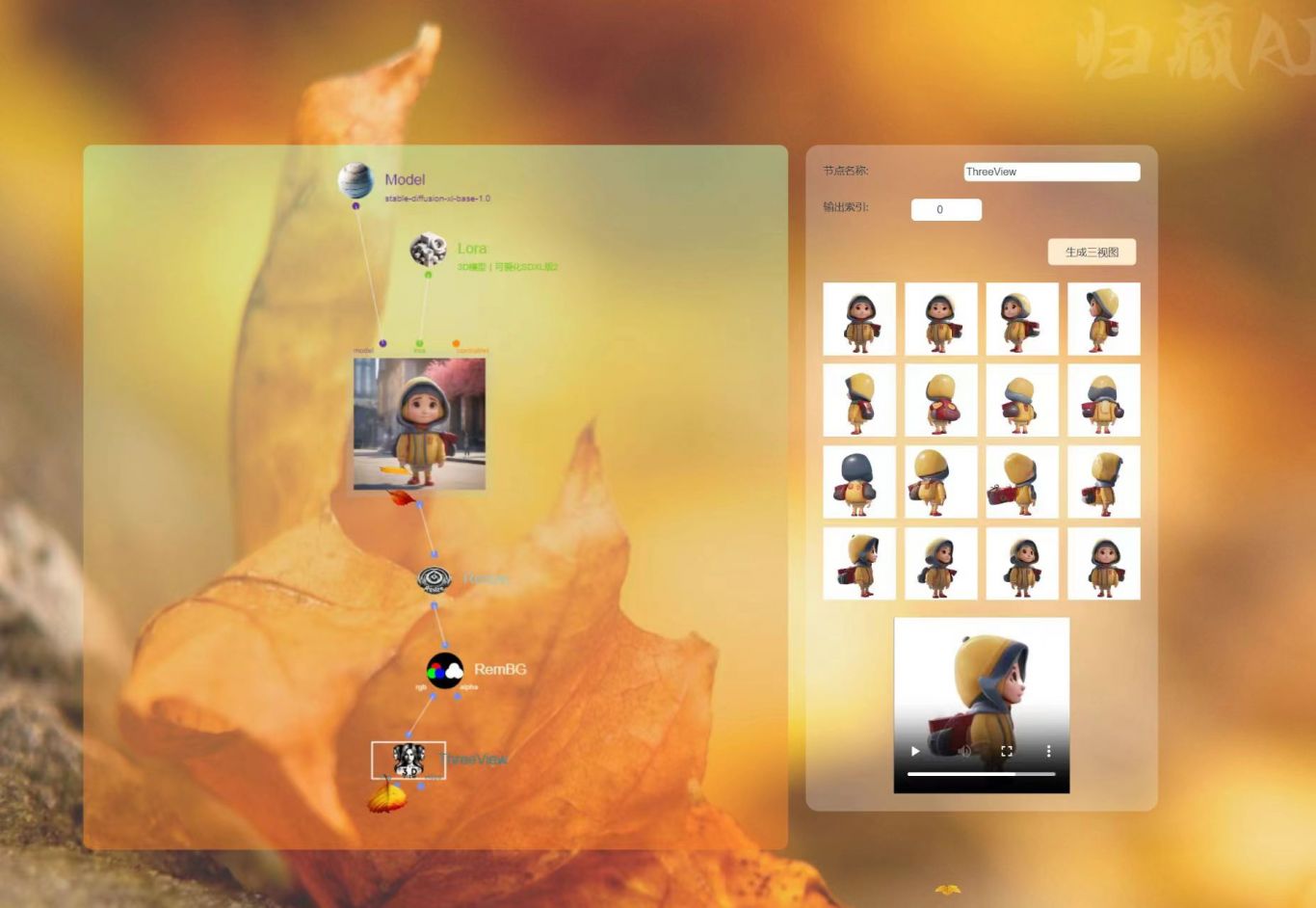
归藏AI节点流框架
1.从底层上构建 AI 应用框架,不同于 webui与 co
-

自动装箱码垛上位机系统
用c#winform开发,数据库为sql server ,用
-

监控系统
通过高清摄像头视频流转换,进行视频流的落地,同时通过第三方工
-
某桌面程序(设备信息获取/界面绘制等)
主要功能包括获取硬件设备信息进行处理,以及与服务端交互,同时
1小时精推人才
需求方专属客服,免费梳理匹配

